- +971 04 589 7185
- +971 55 985 0868
- info@digital-signage.ae
In many environments, the customer experience begins before a person even speaks to an employee. It starts when they look for directions, check a service, register for an appointment, or try to find information without waiting in line. When these processes are unclear or involve too many steps, customer service can become a source of frustration.
That is why more businesses are adopting digital tools that allow people to complete tasks independently. Among these solutions, the Digital Interactive Kiosk stands out by turning a screen into a service point that can guide, inform, and facilitate different interactions.
More than just a touchscreen, it is a solution that can become part of an organization’s customer service strategy, making processes more accessible, consistent, and efficient.
Traditionally, many customer inquiries depend on employee availability. These may include requesting information, confirming a booking, locating a department, or completing a registration. Although human interaction remains essential, not every task requires direct assistance.
An interactive kiosk allows some of these activities to be handled through an intuitive digital interface. Users can access information or complete routine tasks at their own pace, while staff members have more time to focus on requests that require personalized attention.
This combination is not intended to replace human interaction. Instead, it helps distribute tasks more effectively and improve the customer’s journey.
The value of a kiosk depends on the needs of the environment, the audience, and the processes that need improvement. When implemented with a clear purpose, it can provide benefits across several areas.
One of its main advantages is the ability to bring information and functions together in a simple access point. Instead of looking for directions in different places or visiting several service counters, users can explore available options through a single interface.
Applications include:
These functions can be combined according to the project’s objectives. The key is to ensure that each one addresses a genuine user need.
Interactive kiosks are not limited to a single type of business. Their flexibility makes them suitable for environments where information, navigation, or task management are part of the everyday experience.
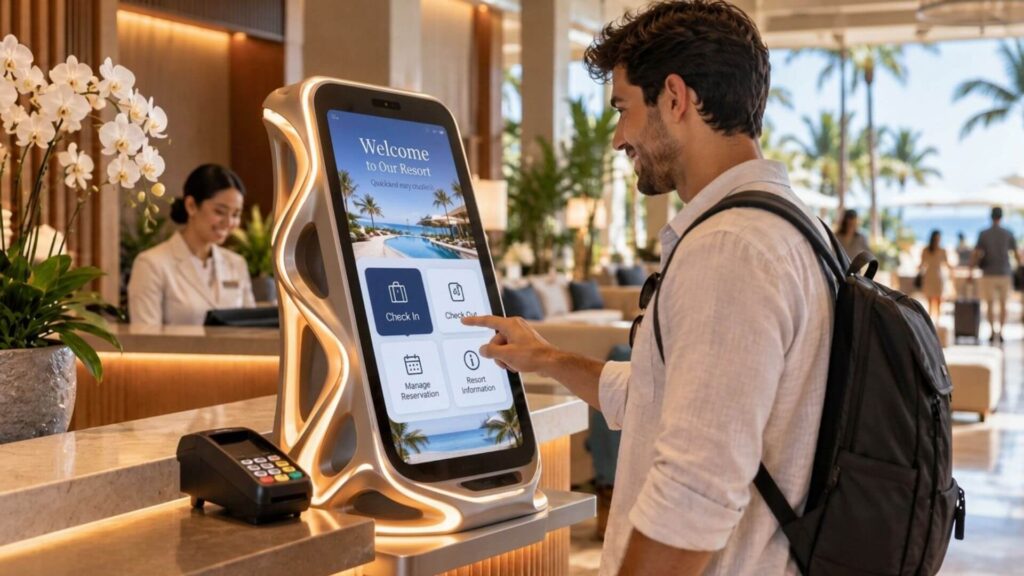
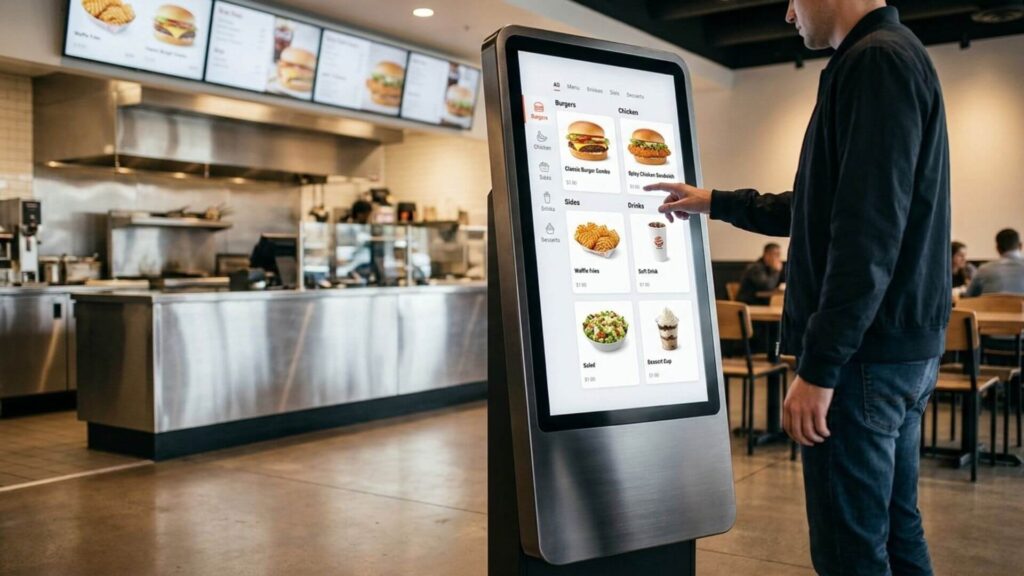
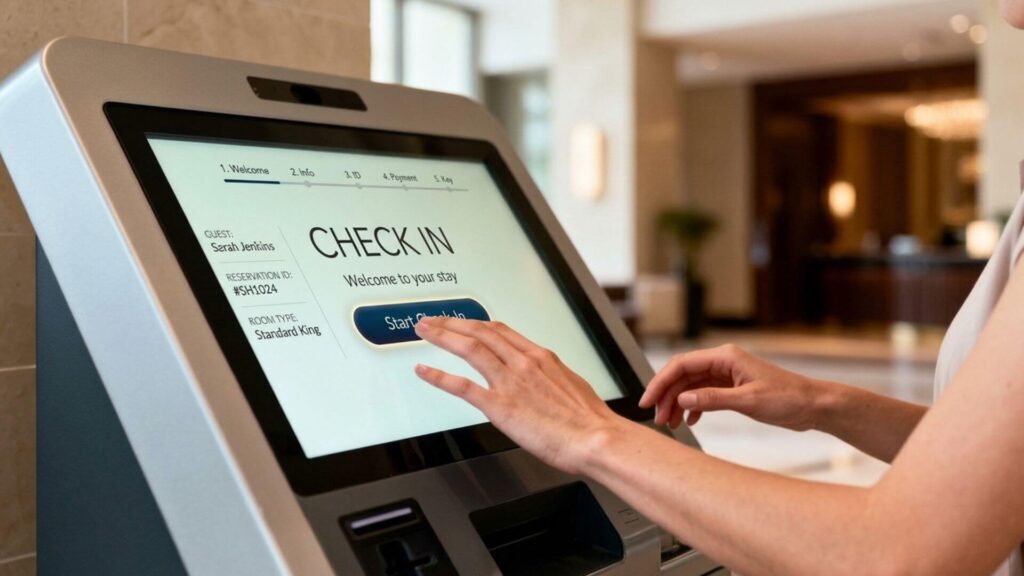
In retail, they can help customers check product availability, explore merchandise, or find specific items. In hotels and hospitality venues, they can facilitate check-in, display information about facilities, and guide visitors.
In hospitals and medical centers, they can support reception processes, appointment check-ins, and wayfinding throughout the facilities. In corporate offices, public buildings, and educational institutions, they can centralize information, provide easier access to services, and reduce repetitive inquiries at service desks.
Each environment presents different challenges. That is why the selection of features should begin with the user’s journey rather than the technological capabilities of the device alone.
Installing a touchscreen does not automatically guarantee a smooth experience. If the interface is confusing, text is difficult to read, or options are poorly organized, the kiosk may add steps instead of eliminating them.
Effective design should prioritize clarity through direct instructions, consistent navigation, easy-to-identify buttons, and a logical sequence of actions. It is also important to consider different user profiles, their familiarity with technology, and their accessibility needs.
Content should address the questions people actually have at that moment. An interface that presents too many options can be just as ineffective as one that does not provide enough information.
The best experience is one in which users quickly understand what they can do, how to do it, and what will happen next.
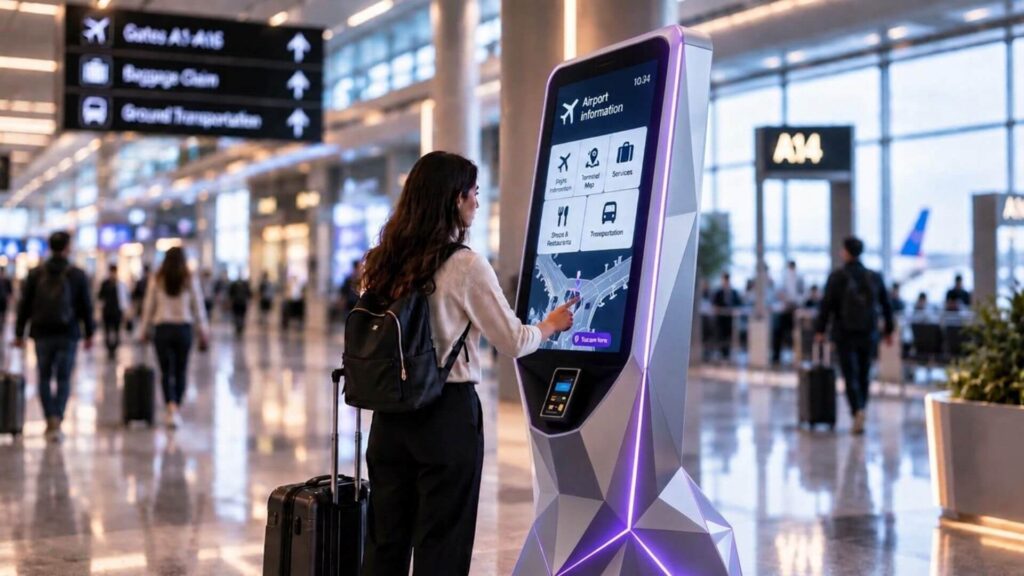
Choosing the right solution requires evaluating both the equipment’s features and the actual conditions in which it will be used. Before making a decision, consider the following factors.
It is also important to consider how the project may evolve. A solution that supports content updates and additional features can adapt more easily to future needs than an installation designed for a single task.
The value of an interactive kiosk is not measured solely by its features, but by how effectively it helps people complete their tasks. A well-planned implementation can eliminate unnecessary steps, make information easier to access, and deliver a more consistent experience across different touchpoints.
For businesses, the challenge lies in connecting hardware, software, content, and the physical environment within a unified strategy. Technology should fit naturally into the service experience and deliver benefits that can be evaluated through indicators such as waiting times, usage of available features, and customer satisfaction.
At ENO Digital Signage, we understand that every environment has specific needs and that technology should be designed to address them. A well-planned Digital Interactive Kiosk can become a valuable touchpoint between businesses and their customers, enabling clearer, faster, and more accessible interactions.
Follow ENO Digital Signage on Instagram and LinkedIn to explore more digital signage solutions and industry trends. You can also read our previous blog articles to discover how technology is transforming communication and the user experience across different environments.